The applications, not the logos.

What we have built and run, described by what it does. We keep client names private, and show sample data in every screen.

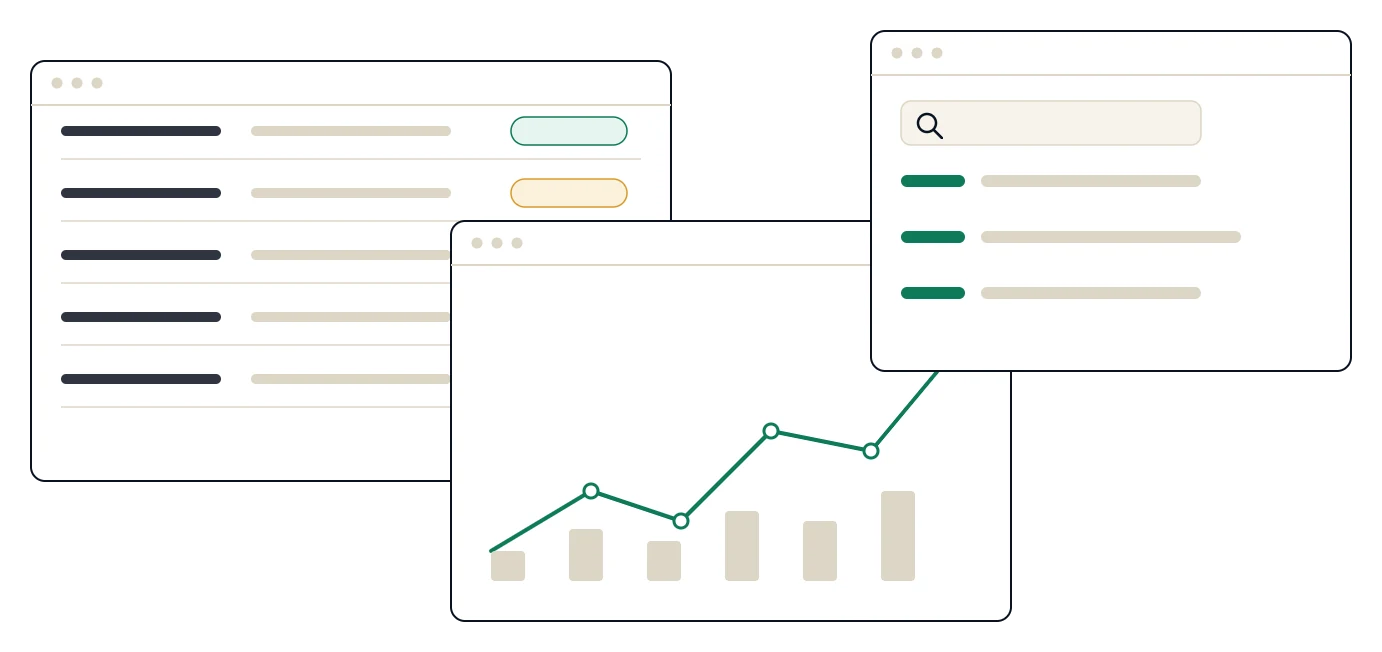
Three sample application screens
Illustrative interface, sample data. Not a client screen.

Operations platform

A clinical operations platform

One system that runs the working day of a multi-location healthcare provider: records, billing, insurance claims, compliance reporting and patient communications.

The problem

Patient records in one place, billing in another, claims in a spreadsheet, and patient calls and messages somewhere else. Every handoff was a chance to retype.

What it does

  • Keeps clinical and billing information together, entered once
  • Prepares, tracks and follows up insurance claims
  • Supports compliance and regulatory reporting
  • Sends patient communications through phone and messaging

Built with

  • Web application
  • Relational database
  • Containerised deployment
  • Role-based access with audit logging

What we learned: The hardest part was never the screens. It was agreeing, with the people who use it, what “done” means at each step.

Illustrative interface, sample data. Not a client screen.

Workflow tool

A diagnosis-coding workspace

A standalone tool for managing and applying ICD-10 diagnosis codes, designed to be fast for the person doing the coding.

The problem

Coders working from long code lists and a mix of notes, with no single place to find, check and keep track of the codes in use.

What it does

  • Searches and browses diagnosis codes quickly
  • Keeps the code set in use consistent across teams
  • Fits alongside existing records and claims systems

Built with

  • Web application
  • Searchable code reference
  • Integration-ready design

What we learned: A small, focused tool that does one job well beats a feature in a large system that nobody opens.

Illustrative interface, sample data. Not a client screen.

Analytics

A cross-location analytics layer

A reporting layer that pulls the numbers from every location into one set of dashboards that managers can explore themselves.

The problem

Each site reported in its own format, on its own schedule. Leadership got a monthly pack, assembled by hand, already out of date.

What it does

  • Brings activity, billing and claims data from several sites into one view
  • Gives leaders the same numbers on the same day
  • Lets managers drill down without waiting for a report

Built with

  • Reporting database
  • Automated data refresh
  • Self-serve dashboards
  • Role-based views

What we learned: Agree the definition of every number first. Most “data problems” are really definition problems.

Illustrative interface, sample data. Not a client screen.

Product build

A consumer mobile and web product

Designed, built and shipped end to end across mobile and web, coordinated across several engineers.

The problem

An idea that needed to be a real product people could install and use, with a small team and a clear deadline.

What it does

  • One product, on phones and the web
  • Built by a small cross-functional team with a single shared plan
  • Shipped in increments users could try early

Built with

  • Mobile app
  • Web app
  • Shared back end
  • Staged releases

What we learned: Ship a thin version early. What people actually do beats anything we guess in a meeting.

Why we do not name clients

Many of the organisations we work with operate in regulated sectors, and their privacy is part of the job. So we describe the application and what it does. If you would like a closer look at how one of these systems works, ask us on a call. We will show what we are able to share.

Ask for a walkthrough

Need a system built, or an old one replaced?

We build the plan and the product. Tell us what you are trying to run.